September 5, 2026
Teams choosing between TestInspector and Azure Test Plans are deciding between two different philosophies: Azure Test Plans is a test case management layer inside the Azure DevOps ecosystem, built for documenting manual test procedures, tracking execution results, and integrating test evidence with Azure Boards work items; TestInspector is an AI-native no-code automation platform that generates, runs, and maintains tests without requiring manual execution records or a separate test management layer. The practical choice comes down to whether the team needs formal test case documentation that non-technical stakeholders can review, or executable automated coverage that runs on a schedule without requiring a tester to trigger it. For most teams that have been using Azure Test Plans primarily as a structured to-do list for manual testers, TestInspector removes the manual execution requirement entirely and converts that test plan into running automation.
Azure Test Plans is not a test automation tool in the traditional sense. It provides a structured environment for writing and executing manual test cases, recording pass/fail results per step, and linking that evidence back to Azure Boards stories and bugs. Teams in regulated industries—finance, healthcare, government—find genuine value in that documentation trail because their release process requires formal evidence that specific test cases were executed and passed by an identified tester. Teams outside those requirements often find that the manual execution model creates a bottleneck: test cases that exist in the plan are only as reliable as the consistency with which testers actually execute them, and under deadline pressure those execution runs are shortened, skipped, or replaced by informal spot checks. Astaqc's test automation services frequently begin with a migration from manual test plan execution to scheduled automated coverage, and the complete guide to software testing covers how test management and test automation serve different functions in a mature QA process.
Azure Test Plans provides three core capabilities: structured test planning, manual test execution with result capture, and integration with the Azure DevOps ecosystem. The test planning model organizes test cases into test plans and test suites that can be linked to specific sprints or release milestones, giving QA leads a structured view of what needs to be tested for a given release. Test cases are authored as step-by-step procedures with optional expected results per step, which the manual test runner surfaces to testers during execution so they can confirm or fail each step and capture notes and screenshots as evidence.
The Azure Boards integration is the primary reason teams in the Azure DevOps ecosystem choose Test Plans over standalone alternatives: a test case that fails can generate a bug directly in Boards, linked to the test case and the work item the test case was written for. The same Azure DevOps credentials and permission model covers both development and testing artifacts, which simplifies access control in organizations where QA and development share a single platform. Azure Test Plans also supports exploratory testing sessions where testers work through the application without a script and capture findings as structured notes and screenshots that are linked to a test session record.
Basic test automation is available through Azure Pipelines: test automation frameworks (Selenium, NUnit, MSTest, pytest) can be configured to run in a pipeline and publish results to Azure Test Plans, where they appear alongside manual test results in the same reporting view. This integration requires teams to maintain the automation framework code, the test runner configuration, and the CI/CD pipeline setup—Azure Test Plans stores and displays the results but does not generate or execute the tests. Teams that want automation in Azure Test Plans must build and maintain it separately from the test case management layer.
TestInspector replaces both the test case management layer and the automation framework with a single platform that generates tests as structured executable steps from natural language descriptions and runs them automatically on real browsers. A QA engineer describes a user flow—log in, navigate to the account settings page, update the email address, and verify that the confirmation email is sent—and TestInspector's AI chat interface produces structured test steps that can be reviewed, adjusted, and executed immediately without writing any Selenium or Playwright code. The steps run via Selenium on Chrome, Firefox, Edge, and Safari with no browser infrastructure setup required.
The execution model in TestInspector is the fundamental difference from Azure Test Plans: once a test or test suite is created, it runs on a configured schedule (cron expression, fixed interval, or one-time trigger) without a human tester triggering it. Results stream in real time via WebSocket so engineers and managers can watch runs as they happen, and historical run logs are stored for coverage tracking over time. When a selector no longer matches the current DOM state because a front-end update changed a class name or component structure, TestInspector attempts auto-retry with AI-generated alternative selectors rather than failing the run and requiring a tester to manually update the test case. This self-healing behavior converts what would be maintenance work into a resolved run in most cases, reducing the tester time required to keep test coverage current as the application evolves.
TestInspector extends beyond browser testing into API validation and accessibility coverage in the same platform. HTTP request steps support GET, POST, PUT, PATCH, and DELETE with status code and response body assertions, so teams can cover API contracts and integration points without adding a separate tool like Postman or REST-assured. Accessibility assertions use axe-core with configurable severity levels, allowing teams to gate releases on WCAG compliance failures at the severity level they define rather than treating all accessibility violations as equal. Variable interpolation handles test data with support for timestamp generation, alphanumeric tokens, encrypted storage for sensitive values, and TOTP code generation for flows that require two-factor authentication. Astaqc's TestInspector page covers the full capability set, and the manual testing services page covers how to plan the transition from manual execution to automated coverage for teams currently running Azure Test Plans.
The comparison below covers the dimensions that matter most for teams evaluating the two tools. The key distinction in every row is whether the capability requires a human to trigger or complete it versus whether it runs autonomously once configured.
| Dimension | Azure Test Plans | TestInspector |
|---|---|---|
| Test creation model | Manually authored step-by-step procedures; no AI generation | AI chat generates structured steps from natural language; no code required |
| Execution model | Manual runner: tester follows steps and records pass/fail per step | Automated: Selenium on real browsers; no tester required to trigger runs |
| Scheduling | Not applicable; execution is always manually triggered | Cron, fixed interval, or one-time; runs without human trigger |
| Self-healing | Not applicable; test cases must be manually updated when UI changes | Auto-retry with AI selector suggestions; most selector drift resolved automatically |
| Visual regression | Not supported natively; requires separate tool integration | SSIM screenshot comparison with baseline approval and crop/exclusion selectors |
| API testing | Not supported natively; separate tool required | HTTP request steps (GET/POST/PUT/PATCH/DELETE) with status and body assertions |
| Accessibility testing | Not supported | axe-core assertions with severity level configuration |
| Test data management | Shared steps with parameter support; no encrypted variable storage | Variable interpolation: TOTP, timestamps, alphanumeric tokens, encrypted storage |
| Test evidence for audits | Formal documented manual execution records with tester identification | Automated run logs with screenshots; not a substitute for formal manual test evidence |
| Azure DevOps integration | Native integration with Boards, Pipelines, and Azure Repos | CI/CD trigger API; not natively embedded in Azure DevOps |
| Team model | Designed for teams with dedicated manual testers | Multi-tenant orgs with owner/admin/member roles; suited for small or shared QA teams |
The tooling gap that Azure Test Plans does not address is persistent, unattended execution: even teams that have linked test automation frameworks to Azure Pipelines still need to configure and maintain the framework code outside of Test Plans. TestInspector collapses test creation, execution, and maintenance into a single layer that does not require framework expertise. Astaqc's manual testing vs. automated testing guide covers the strategic decision of when to replace manual execution with automation and what coverage model to target.
Azure Test Plans provides genuine value in three specific situations that are not well-served by automation-first platforms.
Regulated industry compliance is the strongest case for Azure Test Plans. Healthcare, financial services, and government software development often require documented evidence that specific test cases were executed by an identified tester who confirmed the application behavior before release. Automated run logs from a tool like TestInspector show that the application passed a set of automated checks, but they do not satisfy the audit requirement for documented human verification. Organizations subject to FDA 21 CFR Part 11, ISO 13485, or SOC 2 Type II controls that require manual test execution evidence need Azure Test Plans or an equivalent test management platform.
Deep Azure DevOps integration is the second case. Teams that track all development work in Azure Boards, build in Azure Pipelines, and review code in Azure Repos benefit from test cases that are natively linked to work items, build results, and release pipelines in the same credential domain. Setting up the same integration with an external tool introduces additional configuration, credential management, and permission overhead that is not always justified for organizations where Azure DevOps is the single platform of record.
The third case is exploratory testing documentation. When QA teams need to run unscripted exploratory sessions and capture findings as formal evidence linked back to specific features or user stories, Azure Test Plans' exploratory testing mode provides structured session management that a browser automation tool cannot replicate. Astaqc's AI in software testing guide addresses how manual and exploratory testing fit alongside automated coverage in a modern QA practice.
TestInspector addresses the failure mode that affects most teams using Azure Test Plans outside regulated environments: test cases that exist in the plan but are not executed consistently because manual execution requires dedicated tester time that is rarely available under normal sprint pressure.
Teams that have built a manual test library in Azure Test Plans and find that it is only executed fully before major releases—or not at all—because manual execution is too time-consuming should consider replacing the manual execution layer with TestInspector's automated execution. The test case content (user flows, expected behaviors) transfers directly into TestInspector's structured step format; the change is that those tests now run on a schedule without requiring a tester to trigger them. Astaqc's QA team hiring guide covers how automated execution changes the role of QA engineers from test executors to test designers and coverage architects.
Teams that need more than browser automation—API testing, accessibility validation, 2FA flow coverage—benefit from TestInspector's consolidated approach. Maintaining Azure Test Plans for manual test documentation, a Selenium or Playwright framework for browser automation, and separate Postman collections for API testing creates three distinct maintenance surfaces. TestInspector covers all three in one platform, reducing the configuration and context-switching overhead for small QA teams. The software testing cost guide covers how tool consolidation affects per-team cost modeling when comparing multi-tool stacks against unified platforms.
TestInspector can replace the test case management and execution functions of Azure Test Plans for teams that do not have formal audit requirements tied to manual test evidence. The CI/CD trigger API allows TestInspector tests to be invoked from Azure Pipelines, so automated test runs can still be associated with builds and releases. What TestInspector cannot replicate is the native Azure Boards integration for linking test case results directly to user stories, and the formal manual execution documentation that regulated industry audits require. Teams outside those constraints can use TestInspector as the sole test execution layer while retaining Azure Boards for bug tracking.
TestInspector stores complete run logs including step-by-step results, timestamps, browser screenshots, and failure details for every automated run. For teams that need a record of what was tested and when, the run history provides a queryable audit trail of automated test results. This satisfies internal QA governance requirements and provides documentation for engineering leadership, but it is not equivalent to the formal documented manual test execution that regulated industry standards require. Teams with formal compliance requirements should evaluate whether automated run logs meet their specific regulatory framework before replacing their manual test documentation process.
Azure Test Plans can store and display results from test automation frameworks run through Azure Pipelines—Selenium, NUnit, pytest, and similar frameworks can publish test results to Test Plans after a pipeline run. This integration requires the team to build and maintain the automation framework code independently; Azure Test Plans provides result storage and reporting, not test generation or execution infrastructure. Teams wanting automation results in Azure Test Plans must either build a framework from scratch or use a separate execution tool, then surface results through a pipeline integration.
The practical migration path starts with identifying which test cases in Azure Test Plans are executed regularly versus which are nominally maintained but rarely run. High-frequency test cases are the first candidates for migration to TestInspector: the test engineer recreates those flows as TestInspector test steps, verifies they pass against the current application, and retires the corresponding Azure Test Plans execution. Low-frequency or compliance-required manual test cases may remain in Azure Test Plans in parallel, particularly if they require formal human sign-off. Astaqc's test automation services include migration planning for teams moving from manual execution tools to automated coverage platforms.
Azure Test Plans does not include visual regression testing capabilities. TestInspector provides SSIM-based screenshot comparison where a test step captures a screenshot and compares it against an approved baseline image. Engineers approve baselines when they first run a visual test, and subsequent runs flag any pixel difference above a configurable threshold. Specific regions can be excluded from comparison (cookie banners, timestamps, dynamic content), and crop selectors allow comparison of a specific component rather than the full page. This visual regression capability is built into the same test step framework as browser interaction and API steps, so it does not require a separate visual testing tool or subscription.
TestInspector is most beneficial for small QA teams—one to four engineers—that need broad test coverage across browser, API, and accessibility dimensions without the overhead of building and maintaining a multi-tool automation stack. In those teams, the time saved from not having to write Selenium code, manage test runner configuration, or update selectors after UI changes is material to overall QA capacity. Larger teams with dedicated automation engineers who already maintain a Playwright or Selenium framework may find less marginal benefit from TestInspector's no-code generation, though the self-healing and visual regression capabilities remain valuable. The performance testing services cover additional coverage dimensions that both large and small teams can add to their existing stack.
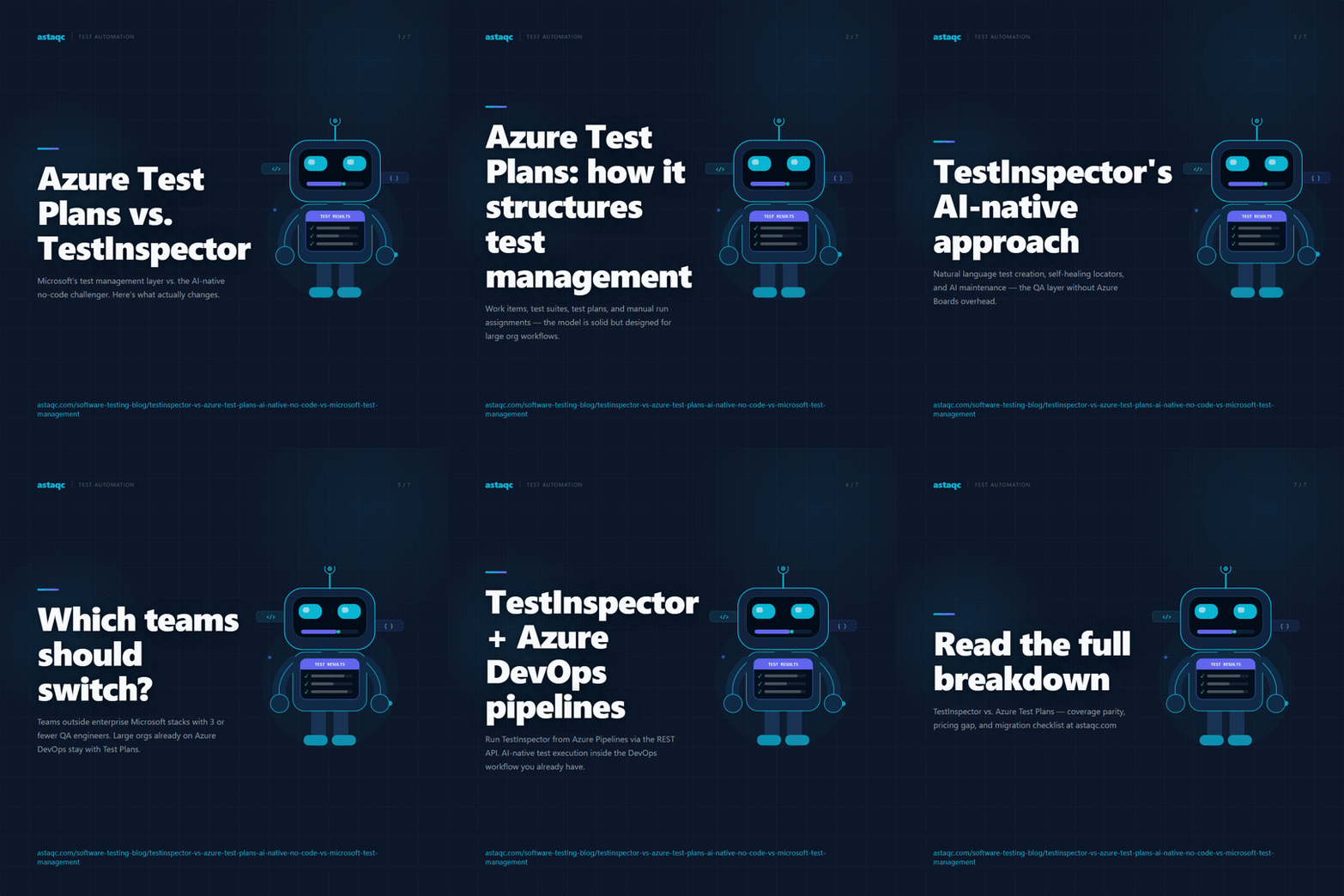
Follow @astaqc for more test automation insights.
Azure Test Plans documents what should be tested and records that it was tested manually; TestInspector runs those same flows automatically on a schedule without a human trigger, which is the difference between test coverage that exists in a plan and test coverage that executes every day.
September 5, 2026


Sign up to receive and connect to our newsletter

We founded ASTAQC as a tight-knit group of professional Software Testers and software developers.
Subscribe to our Newsletter