August 10, 2026
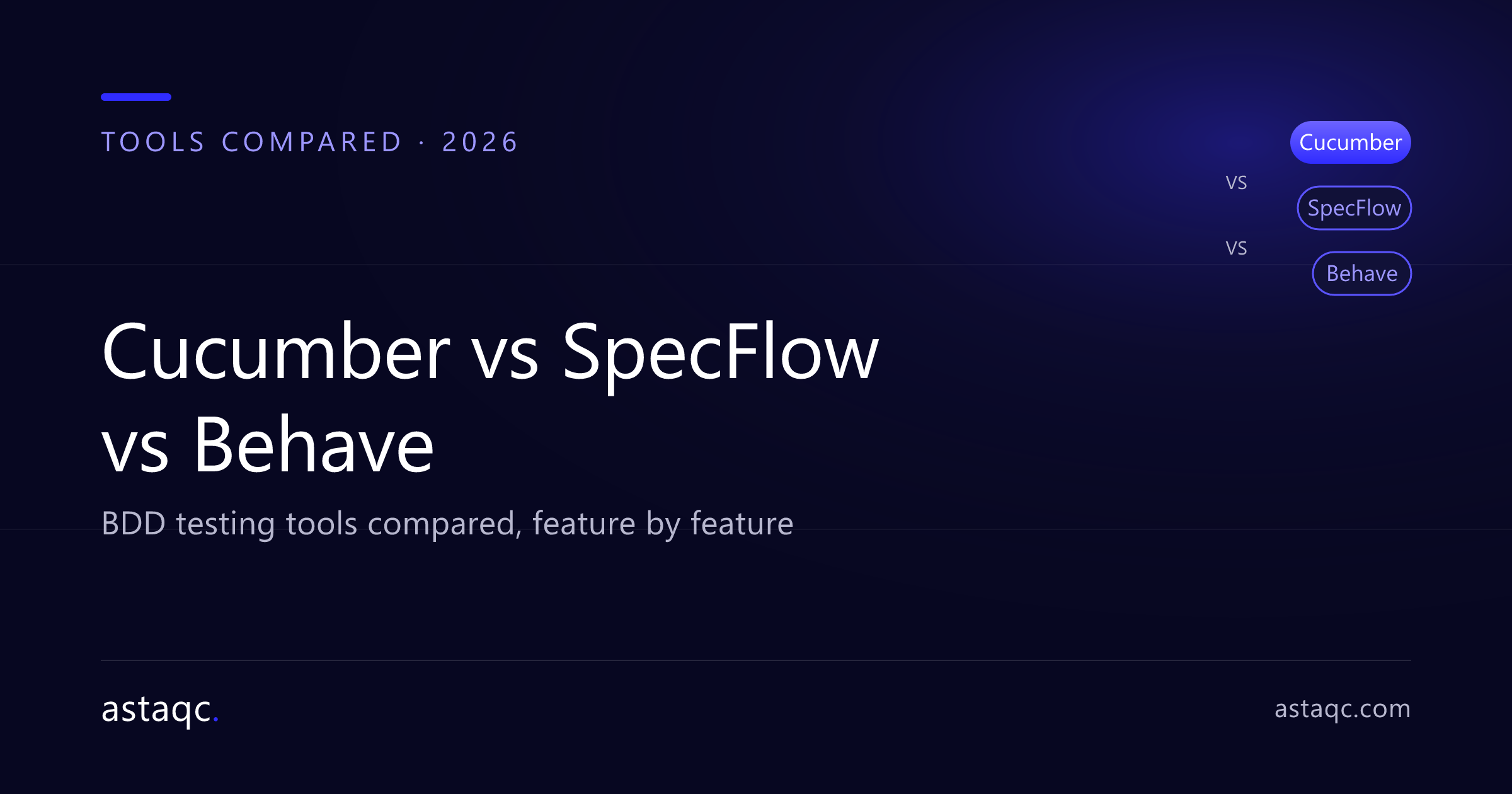
Cucumber, SpecFlow, and Behave are the three most widely used Behavior-Driven Development (BDD) frameworks. All three let teams write executable specifications in Gherkin's plain-language Given-When-Then format — the biggest difference is which programming language ecosystem each one serves.
If you are still deciding whether BDD is right for your team, start here: What is BDD (Behavior-Driven Development)? Definition, Examples, and How to Implement It. This guide focuses on choosing between the tools.
| Feature | Cucumber | SpecFlow | Behave |
|---|---|---|---|
| Primary language | Java, Ruby, JavaScript | C# / .NET | Python |
| Syntax | Gherkin | Gherkin | Gherkin |
| IDE integration | IntelliJ, Eclipse, VS Code | Visual Studio | PyCharm, VS Code |
| Best for | Java/JS-heavy teams | Microsoft/.NET shops | Python teams |
| Ecosystem maturity | Very large | Large (.NET) | Moderate |
Cucumber is the original and most widely adopted BDD framework. It supports multiple languages — Java, Ruby, JavaScript, and others — through official implementations, and has the largest community and plugin ecosystem. Choose Cucumber if your stack is Java or JavaScript, or if you want the broadest tooling and hiring pool.
SpecFlow is effectively "Cucumber for .NET." It integrates tightly with Visual Studio and the C# ecosystem, binding Gherkin scenarios to step definitions in .NET. Choose SpecFlow if your team builds on Microsoft technologies and wants first-class Visual Studio support.
Behave brings BDD to Python. It uses the same Gherkin .feature files and maps steps to Python functions. Choose Behave if Python is your primary language, especially for teams already using pytest and Python automation tooling.
Which BDD tool is best?
There is no single best tool — the right one matches your primary programming language. Cucumber for Java/JavaScript, SpecFlow for .NET, Behave for Python.
Do Cucumber, SpecFlow, and Behave use the same syntax?
Yes. All three use Gherkin's Given-When-Then format, so scenarios look nearly identical across them; only the step-definition code differs by language.
Can I use these tools in CI/CD?
Yes. All three run headlessly in CI pipelines and produce reports that integrate with common CI/CD platforms.
Is BDD only about testing tools?
No. The tools automate scenarios, but the real value of BDD is the collaboration and shared understanding that come from writing those scenarios together.
Astaqc Consulting helps teams choose the right BDD framework and build maintainable, business-readable automated test suites. Talk to our team or hire a dedicated QA team.
August 10, 2026


Sign up to receive and connect to our newsletter

We founded ASTAQC as a tight-knit group of professional Software Testers and software developers.
Subscribe to our Newsletter